C++ simulations
What it is
Three small programs I wrote while learning C++: a graphing calculator, a wave interference simulation, and an n-body gravity simulation. All three use SFML for the graphics and share the same idea — pick something I already understood from physics or maths, and try to make it appear on screen.
I chose problems I could check visually. A sine wave has a shape I know, two interfering wave sources make a pattern I have seen in a physics textbooks, and orbiting bodies either look like orbits or they do not. Rendering something you can recognise is a fast way to find out whether your code is doing what you think it is doing.
Graphing calculator
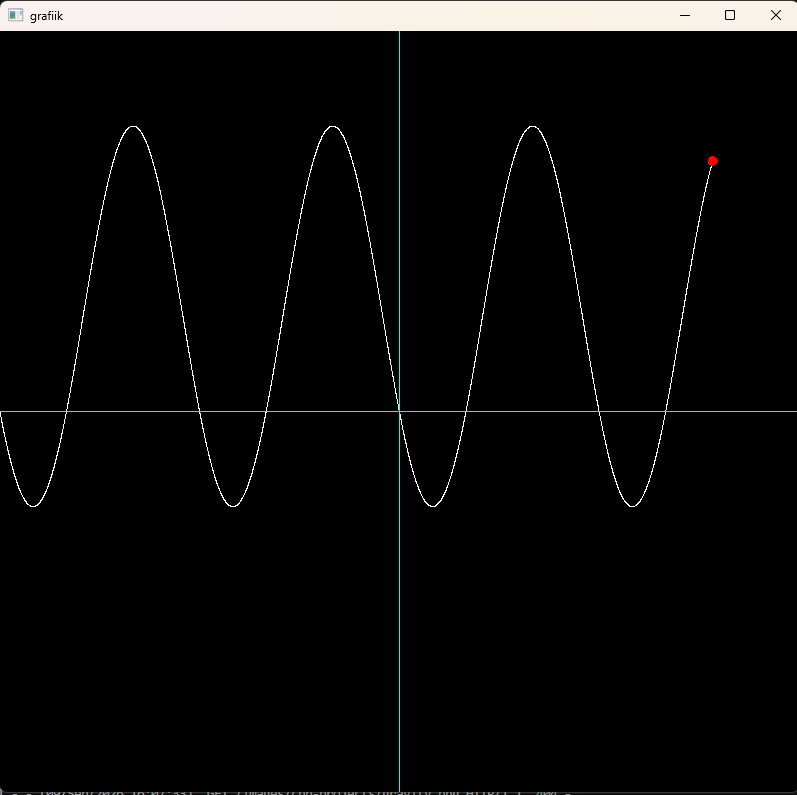
A console prompt asks which kind of function to draw — trigonometric, power, linear or exponential — and for its parameters. An SFML window then traces the curve from left to right, one point per frame, with a red dot marking the pen position and cyan axes behind it. Points accumulate in a vertex array, so the whole curve stays on screen until the trace reaches the right edge and starts over.
The program also prints where the curve crosses the axes. That part taught me something about floating-point numbers the hard way: I originally tested for the crossing with an exact equality check, which almost never fires, because a float that should be zero is usually something like 1.7×10⁻⁵ instead.
Wave interference
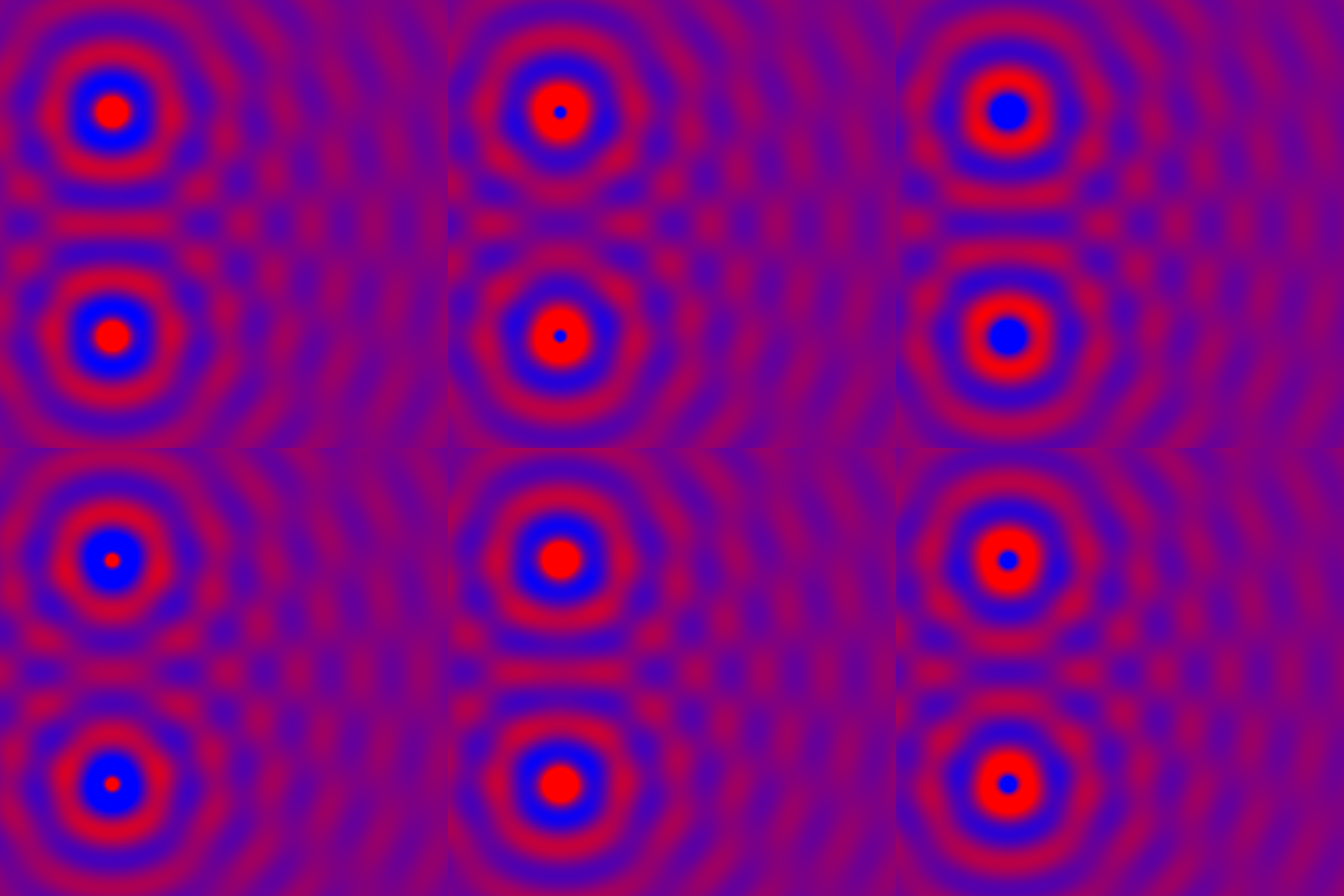
Two point sources emit circular waves across an 800×800 grid. For every pixel the program computes its distance to each source, evaluates the wave there, adds the two contributions together, and maps the result to a colour. Amplitude falls off with distance, because the energy of a circular wave spreads over an ever-growing circle.
The interesting part is that the interference pattern is not something I programmed. I only wrote down two waves and added them — the bands where the crests reinforce each other and the quiet lines where they cancel appear on their own. Superposition is one line of code and the entire pattern follows from it.
It is also the slowest thing I have written. The program evaluates two sine waves for each of 640,000 pixels, every frame, on the CPU. It runs, but not quickly, and it was the first time I understood in a concrete way why this kind of per-pixel work belongs on a GPU.
Gravity simulation
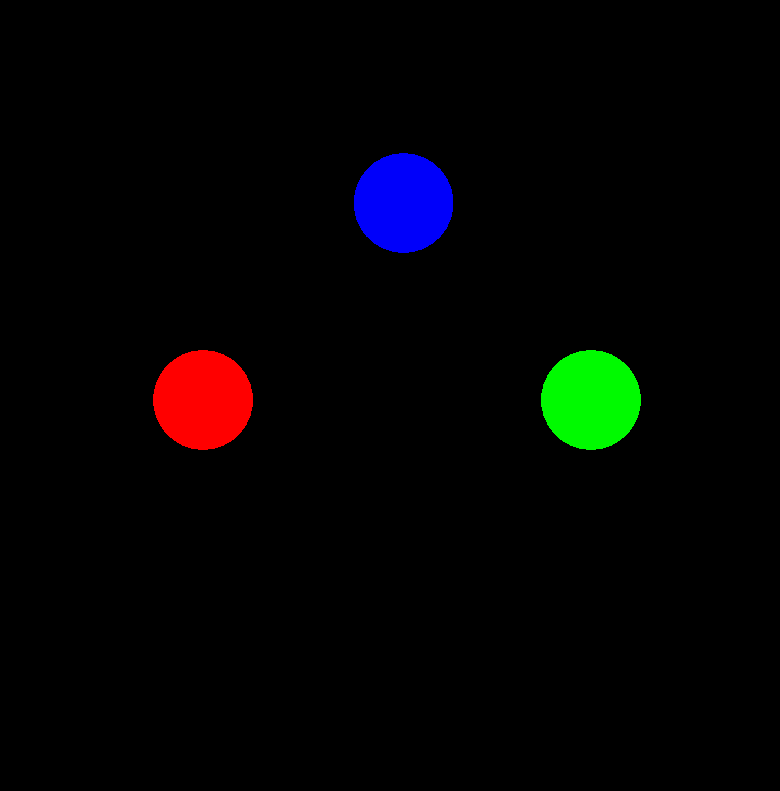
Bodies with mass, position, velocity and acceleration, pulled together by Newton's law of gravitation. Each frame the program computes the force between the bodies, divides by mass to get acceleration, and steps velocity and position forward by one small time step.
That stepping pattern — add acceleration to velocity, add velocity to position, repeat — turned out to be the most useful thing I took from these projects. It is the same numerical integration I later used to build the rocket flight simulator in Python.
A bug I found while writing this up. Re-reading the code for this page, I noticed that it is not actually simulating three bodies. I compute the distance between the first two planets and then reuse that same distance for every other pair, and the force is derived from only one pair of masses. So two of the bodies attract each other correctly and the third is dragged around by a force that is wrong in both magnitude and origin. It moves, and it looks plausible, which is exactly why I did not catch it at the time.
What I learned
Writing physics in a language with no safety net makes you precise about what you actually mean. In C++ there is nothing to catch a wrong variable or a mismatched unit for you — the program compiles and runs and quietly produces something wrong. Both bugs I found in these projects compiled without a single warning.
The other lesson is that a picture is a weak test. All three programs draw something that looks right, and in two cases the code underneath is not. Checking against a value I can compute independently — a known intersection, a known period, a result from physics class — is the only thing that actually catches this. That is the habit I carried into everything I have built since.